Make a game with AI and publish it
No coding experience needed. Here's the loop: ask, run, fix, publish.
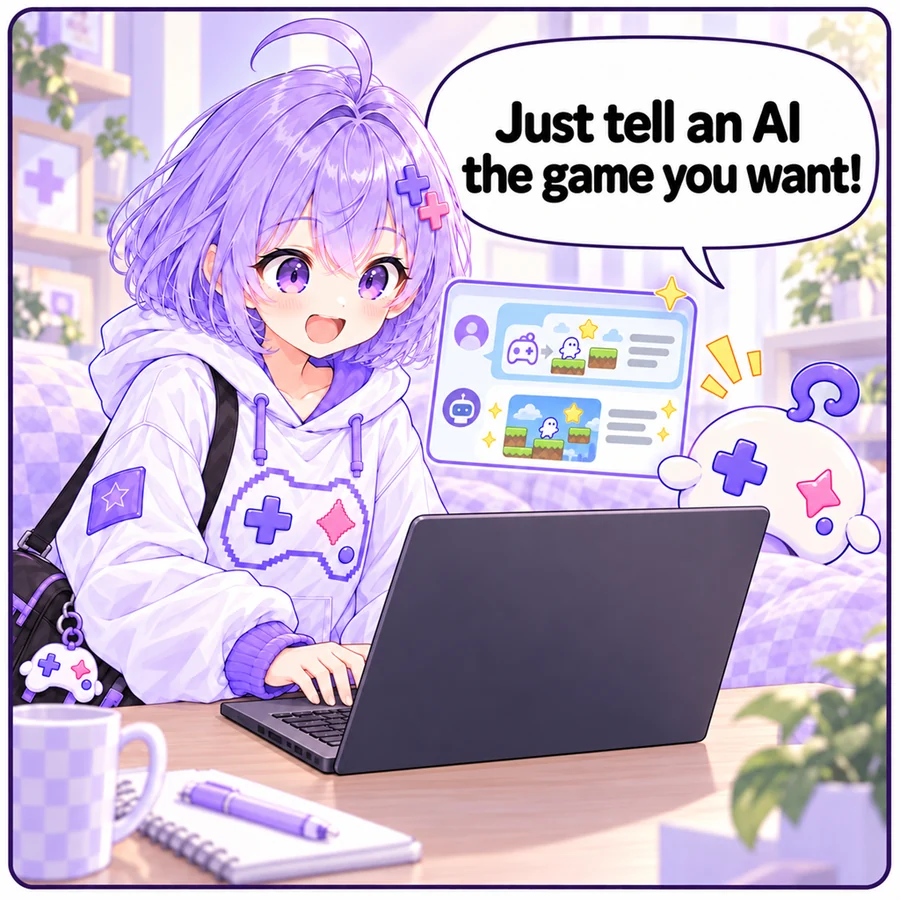
1. Ask an AI
Any AI works — Claude, ChatGPT, Gemini… Copy the prompt below, replace “The game” with your idea, and send it.
Please make a game that runs in the browser.

# The game
(describe your idea, e.g. move a spaceship left and right to dodge falling meteors; it gets faster over time)

# Requirements
- Put HTML, CSS and JavaScript in a single HTML file
- No image or audio files: draw with Canvas and make sounds with the Web Audio API (load libraries from a CDN if needed)
- Resize automatically to fit the screen (it runs inside an iframe)
- Playable with keyboard/mouse and with touch on phones
- Include a title screen, instructions, a game over screen and retry
- If the game has a score, call this on game over:
  window.AIGame?.submitScore(score)
- You may use localStorage to save the high score
Tip: start small, then add one thing at a time (“add more enemies”, “add sound effects”). It fails far less often.
Make it with Claude Code or CodexFor bigger games or games with many files, AI agents that work right in a folder are handy.2. Run it and fix it
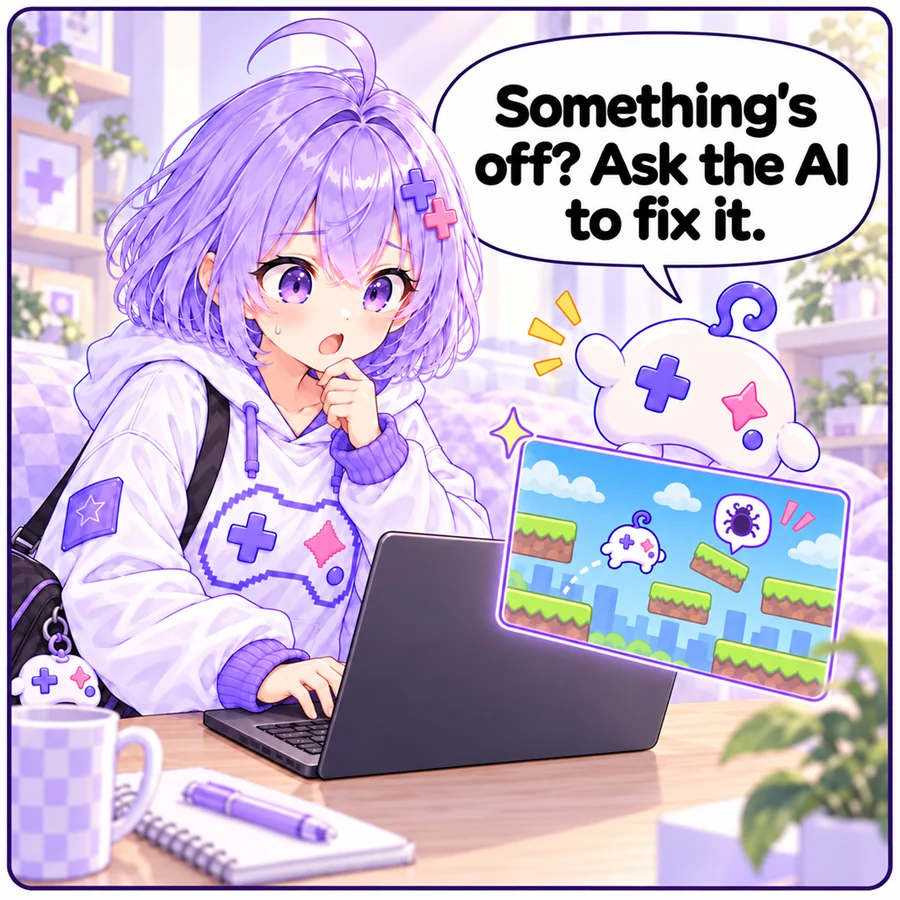
Paste the code on the publish page and it runs right away. If something breaks, hit “Copy a fix request for your AI” in the console and paste it back to your AI — the errors and the code are bundled together.
3. Publish
- A single HTML file can just be pasted. With images or audio, upload the folder or a ZIP (up to 50.0 MB).
- Libraries like Phaser, three.js and PixiJS can be loaded from a CDN. Unity WebGL builds and Godot web exports (threads disabled) work if you upload the folder.
- Capture the thumbnail straight from the game. Listing the AI and prompt you used helps others learn.
- You can also publish straight from AI agents like Claude Code (用 Claude Code 或 Codex 制作).
4. Grow it with feedback
Players can send comments, bug reports and ideas. From the Feedback tab on your game's edit page, copy all open reports as a single fix request for your AI. Upload a new version when it's fixed — the changelog is kept.
Useful sites (assets)
- Sound Effect Lab (効果音ラボ, Japanese): free sound effects for games such as buttons, confirmations and explosions (commercial use OK, credit optional). Button / system sounds
- Download the sound files, put them in your game folder and upload the folder (linking directly to their files is not allowed).
- Their terms treat making the sound files downloadable from your work as redistribution. For games that include their sounds, set the code license to “Closed” on your game's edit page (others can no longer view the code or remix it).
When you use any asset site, check its terms (commercial use, credits and redistribution).
Troubleshooting
- Blank screen: hand the console errors to your AI
- Keys don't work: click the game once so it has focus
- Not playable on phones: ask for “touch controls with on-screen buttons”
- No sound: browsers only allow audio after the first click/tap. Ask the AI to “unlock audio on the first tap”