
AI로 게임을 만드는 프롬프트 모음
ChatGPT·Claude·Gemini 등에 그대로 붙여넣어 쓸 수 있는 요청문이에요. 완성된 게임은 그대로 Asobiai에 공개할 수 있어요.
장르별 요청 방법
운영팀이 준비한 예시예요. “복사”를 누르면 모바일 지원이나 랭킹 같은 조건까지 붙은 요청문이 돼요. 아이디어 부분은 원하는 대로 바꿔 쓰세요.
🔘One-button jump game
A penguin jumps when you tap (or press Space) and dodges ice pillars scrolling in from the right. The distance is the score, and it speeds up over time.
☄️Dodging game
Move a spaceship left and right to dodge meteors falling from above. Grabbing the occasional star gives a 5-second shield. More meteors appear over time.
🧱Breakout
Bounce the ball with a paddle to break blocks. Blocks marked with a star drop items (wider paddle, triple ball). Five stages.
🧩Falling-block puzzle
A falling-block puzzle where 3 or more blocks of the same color in a row vanish. Blocks above fall down, and chain reactions multiply the score. Show the next piece.
❓Multiple-choice quiz
A 4-choice trivia quiz. 10 questions per round; faster answers score more. Write 30+ questions and pick them at random each time. Add effects and sounds for right and wrong answers.
🧠Memory game
Panels in a 3×3 grid light up in order and you tap them in the same order. Each round adds one more. A mistake ends the game; the length you remembered is the score.
🎵Rhythm game
Notes fall down four lanes; tap them (or press D, F, J, K) as they cross the line. Make the music with the Web Audio API and judge timing as PERFECT / GOOD / MISS.
🤝Online two-player game
Online tic-tac-toe with a friend. Read the Asobiai SDK docs (https://asobiai.games/sdk/multiplayer), join a room with window.AIGame.joinRoom and send moves with room.send. Show the room code so friends can join.
고칠 때 요청 방법
완성된 게임을 플레이해 보고 이어서 이렇게 부탁하면 고쳐 줘요.
- Make it playable on phones with touch controls. Put big buttons at the bottom of the screen
- Make it easy at first and a little harder every 30 seconds
- Add sound effects and music with the Web Audio API, plus a mute button
- Support the Asobiai leaderboard (call window.AIGame?.submitScore(score) on game over)
- After a round, let players compare with everyone (cast the result with window.AIGame?.tally and show the distribution from getTally — https://asobiai.games/sdk/tally)
- Read the bug reports on Asobiai, fix them and update the game
모두가 공개한 프롬프트
Asobiai에 공개된 게임 중 제작자가 프롬프트(AI에게 한 요청)를 공개한 게임이에요.
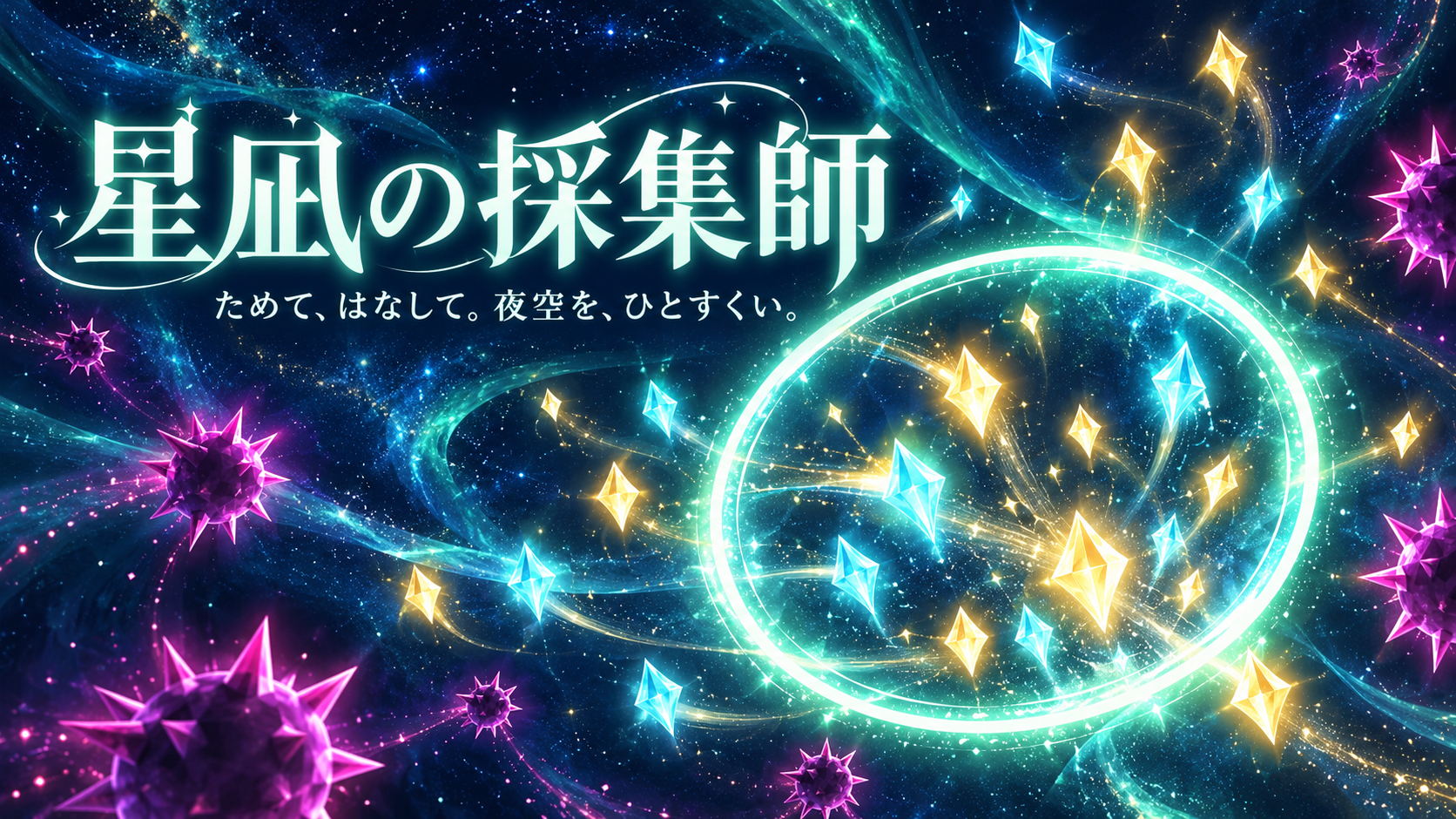
ブラウザで遊べるオリジナルのミニゲームを1つ作って。
- テーマ・ジャンルは自由。ただし既存の有名ゲームやキャラクター、ブランドに似せないこと
- 1つの HTML ファイル(index.html)に CSS と JavaScript を全部入れる。外部の画像・フォント・ライブラリは読み込まない(必要な絵は canvas や CSS で描く)
- 画面の文言は日本語
- キーボードとタッチ(スマホ)の両方で遊べる。16:9 の画面で、ウィンドウの大きさに合わせて拡大縮小する
- 1プレイ1〜3分で終わる。スタート画面・プレイ中・ゲームオーバー画面があり、リトライできる
- ゲームオーバー時に window.AIGame?.submitScore(score) を呼んでスコアを送る(AIGame が無い環境でもエラーにしない)
편집 화면에서 “프롬프트 공개하기”를 켜면 내 게임도 여기에 실려요.
다 만들었으면 공개해 보세요
AI와 연결되어 있다면 “Asobiai에 공개해 줘”라고 부탁하기만 하면 돼요. HTML을 붙여넣어서 공개할 수도 있어요.