
Asobiai SDK
Every game published on Asobiai automatically gets the Asobiai SDK (window.AIGame). Nothing to install: call a function from your game to add leaderboards, saves, trophies, tallies and online multiplayer.
v2.7.0Check it from your game with window.AIGame?.version.Changelog
What it does
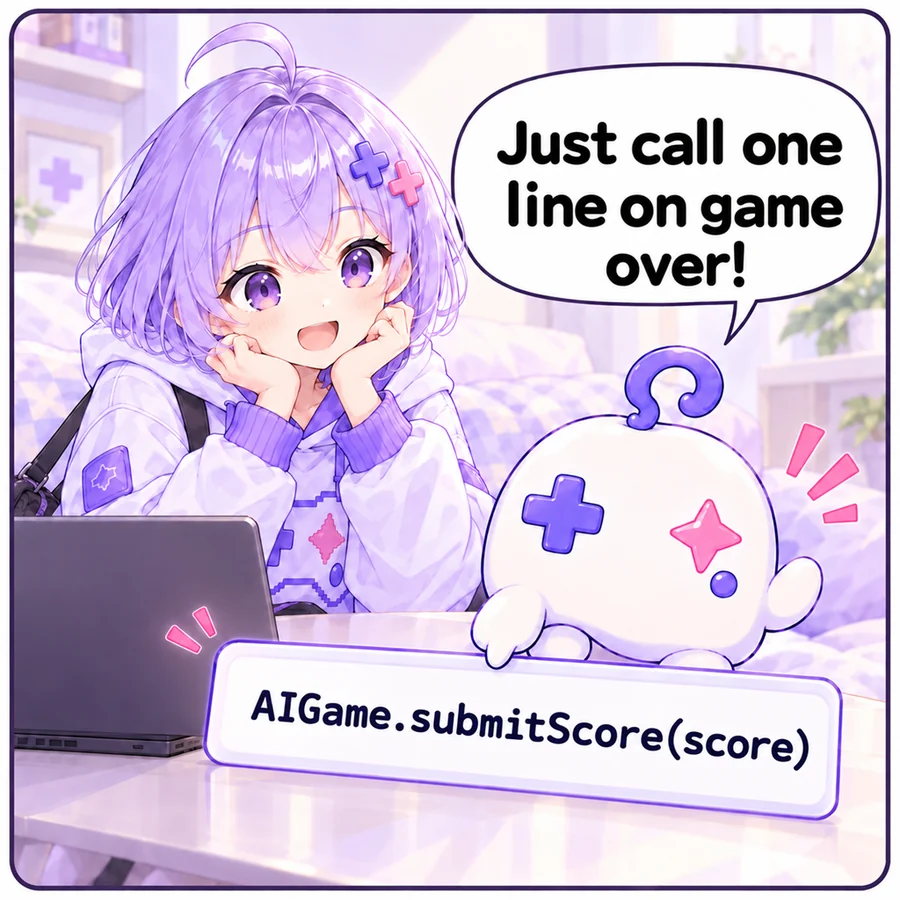
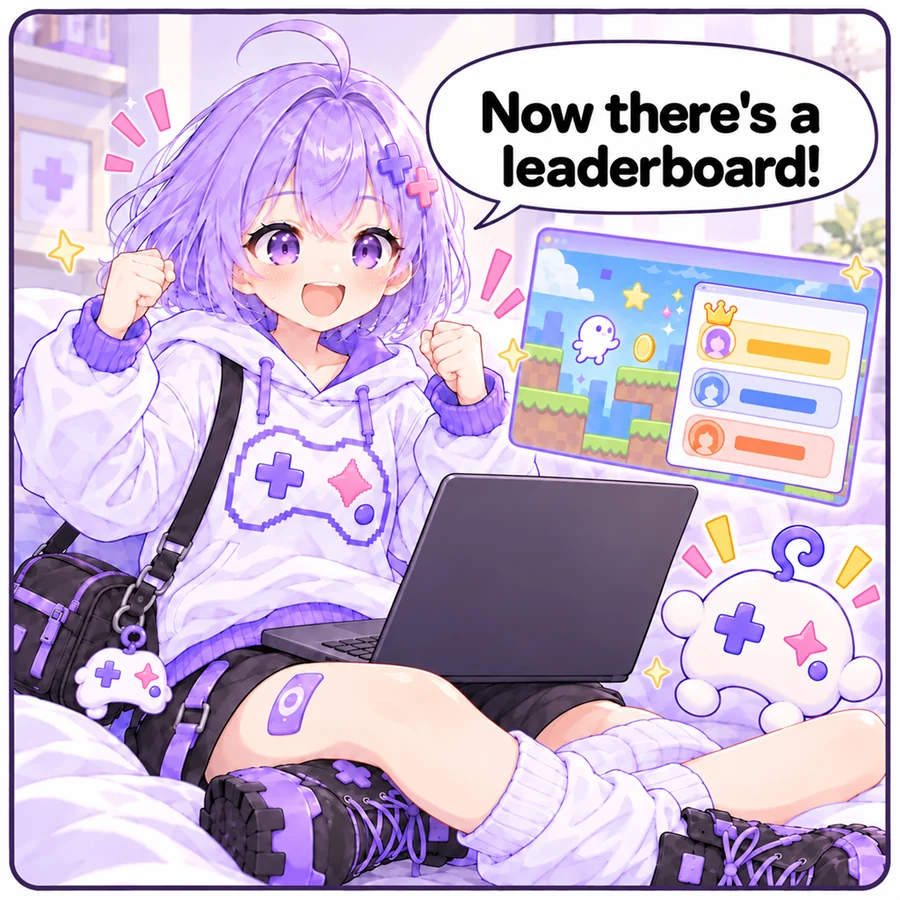
LeaderboardsCall it once on game over and a leaderboard appears on the game page. You can attach a short note such as the floor reached, or a record of the inputs so top plays can be watched as replays.
window.AIGame?.submitScore(score);SavesSaved to the player's account when logged in, so they can continue on another device.await window.AIGame?.save("slot1", data);TrophiesHand them out when a goal is met. They show on the game page and the player's profile.window.AIGame?.unlockAchievement("first_clear");TalliesCast a result and read everyone's distribution. Who chose what is never kept.window.AIGame?.tally("d20261031.moves", 5);Online multiplayerJoin a room and send messages. No server code to write.const room = await window.AIGame.joinRoom({ maxPlayers: 2 });From Godot / UnityHow to call the SDK from a game made with an engine.JavaScriptBridge.eval("window.AIGame?.submitScore(%d)" % score)Call it with ?.
window.AIGame exists only when the game is served by Asobiai. It's missing when you open the HTML file directly, so call it with ?., like window.AIGame?.submitScore(score). The game then still runs without errors outside Asobiai.
js
// With ?., nothing happens when AIGame is missing
window.AIGame?.submitScore(score);

// await it to use the result (undefined outside Asobiai)
const result = await window.AIGame?.submitScore(score);
Language (AIGame.locale)
AIGame.locale is the language the Asobiai page is shown in ('ja' / 'en' / 'ko' / 'zh-Hans' / 'zh-Hant'). Matching the game's text to it lets players from other countries enjoy your game. Outside Asobiai it follows the browser's language.
js
// Outside Asobiai, use the browser's language
const lang = window.AIGame?.locale ?? navigator.language;
const T = lang.startsWith("ja")
  ? { start: "タップでスタート", over: "ゲームオーバー" }
  : { start: "Tap to start", over: "Game over" };
What the SDK does on its own
- Errors and console output are forwarded to the page and shown in a console only the creator sees (and included in the “Ask AI to fix” text).
- Stops arrow keys and space from scrolling the page.
- Enables WebGL's preserveDrawingBuffer so thumbnails can be captured.
- If the iframe size settles after loading and no resize event arrives, it sends one (so games that size their canvas at startup don't stay a blank color).
AIGame.gameOver({ score })signals game over (used for “next game” prompts in play mode).
Runtime environment
- Each game runs in an iframe on its own domain ({gameId}.asobiaiplay.com). localStorage and IndexedDB are per game and isolated from other games and the main site.
- Games run inside an iframe and cannot navigate the top page. Open links in a new tab.
- External CDNs and APIs can be used.
- Godot web exports (threads disabled) and Unity WebGL builds work if you upload the folder. Calling the SDK from an engine