
Make it with Claude Code or Codex
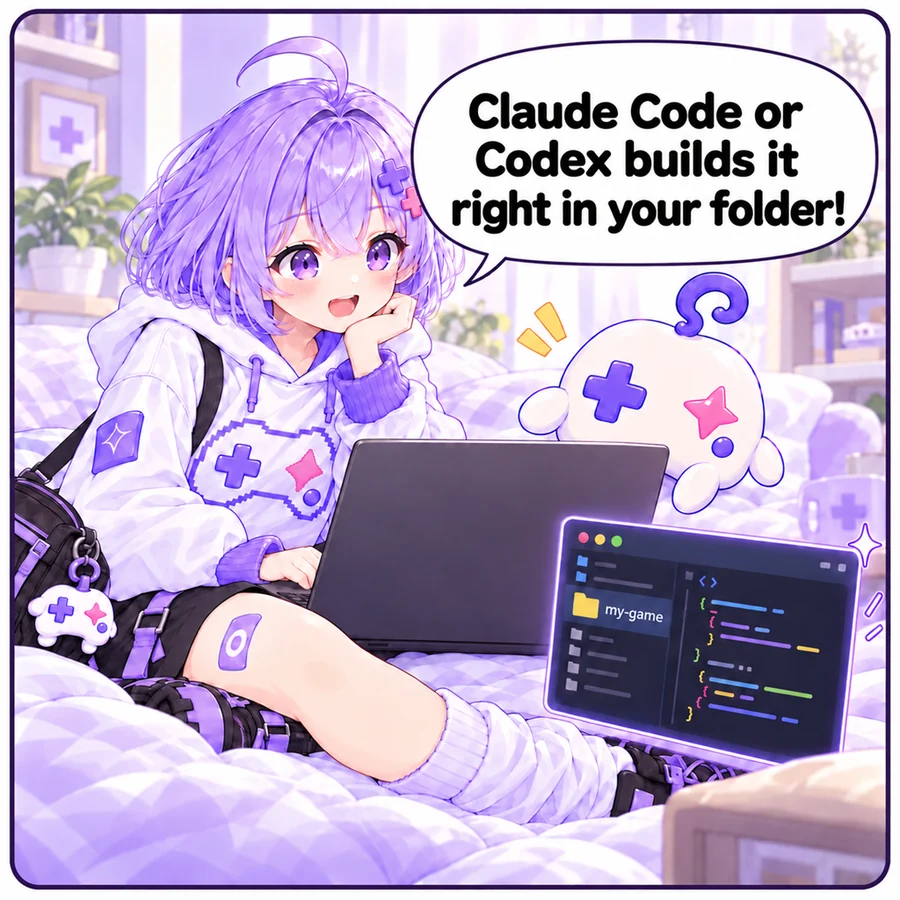
Claude Code and Codex are AI agents that create and edit files right in a folder on your computer. They suit bigger games and games with lots of files such as images and sounds.

How to
- Set it up: follow the guide for Claude Code or Codex. Both come as a terminal (CLI) version and a desktop app.
- Make an empty folder for the game and start it there (in a terminal:
claudeorcodex). - Send the prompt below, replacing “The game” with your idea.
- Play it the way it tells you, then say what to change. The agent edits the files for you.
- Publish: connect the Asobiai MCP server and just say “publish it to Asobiai” (how to connect). After fixes, say “update my Asobiai game”. You can also upload the folder on the publish page, or push to GitHub and import it.
Please make a browser game in this folder.

# The game
(describe your idea, e.g. move a spaceship left and right to dodge falling meteors; it gets faster over time)

# Requirements
- The entry file is index.html and it runs as-is without a build step (load libraries from a CDN if needed)
- Put images, sounds and other assets in an assets folder and load them with relative paths (./assets/...)
- Resize automatically to fit the screen (it runs inside an iframe)
- Playable with keyboard/mouse and with touch on phones
- Include a title screen, instructions, a game over screen and retry
- If the game has a score, call this on game over:
  window.AIGame?.submitScore(score)
- When it's done, tell me how to play it on this computer to check it
Tip: the agent rewrites files in the folder, so use a dedicated folder with nothing else in it.