Asobiai
BrowsePlay modeJamsHow to makePublishing
PublishLog in
Ways to publishAsk your AI (MCP)From GitHubAPI

How to publish

There are four ways to publish a game you made with AI.

Asobi
AsobiNot sure? Pasting is the easiest. If you use an AI app, just asking your AI is great too!
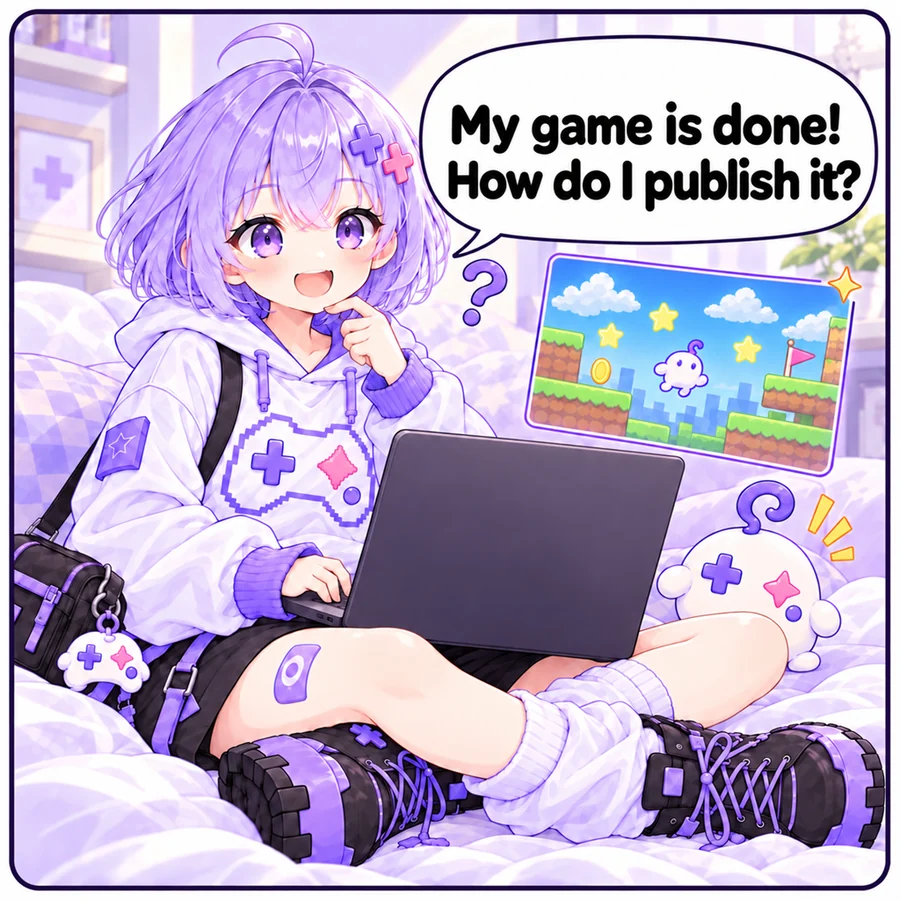
Ways to publish, in a comic
  1. Asobi: “My game is done! How do I publish it?”
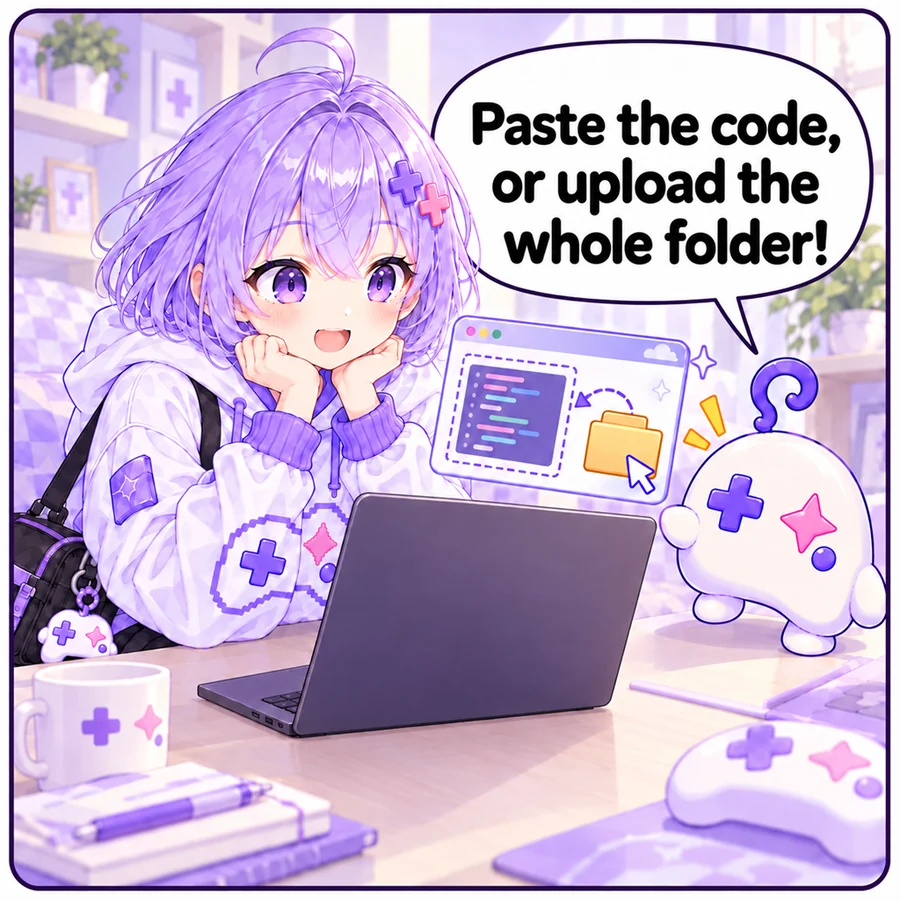
  2. Ai: “Paste the code, or upload the whole folder!”
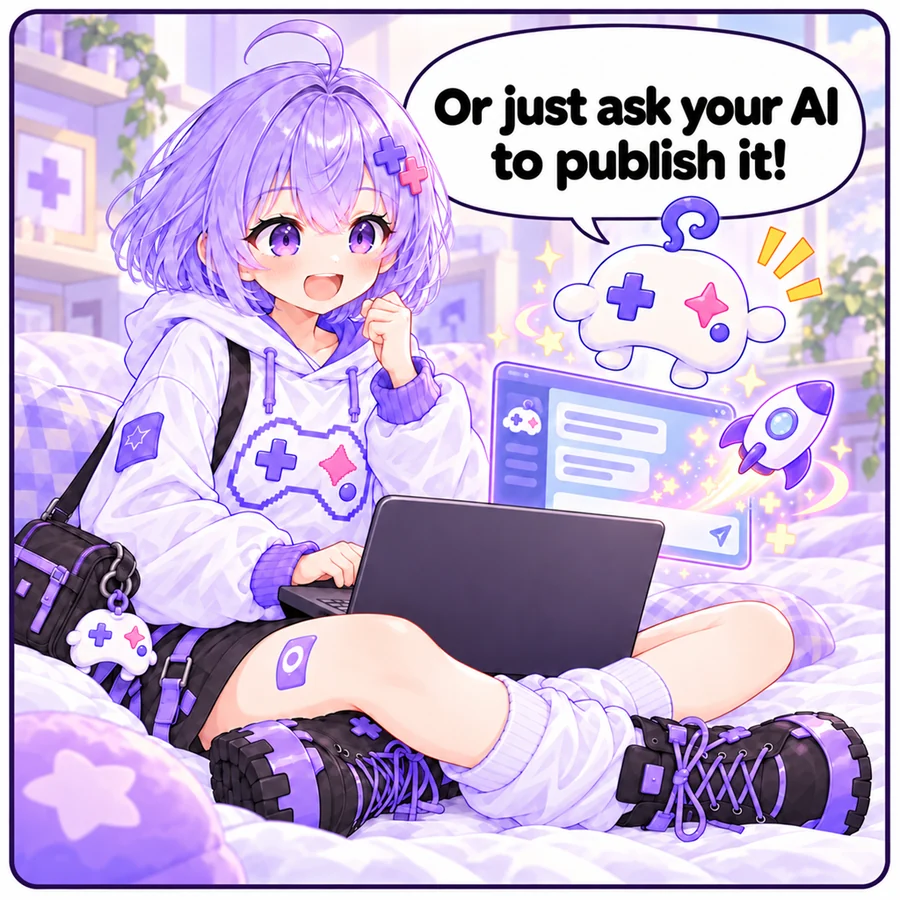
  3. Ai: “Or just ask your AI to publish it!”
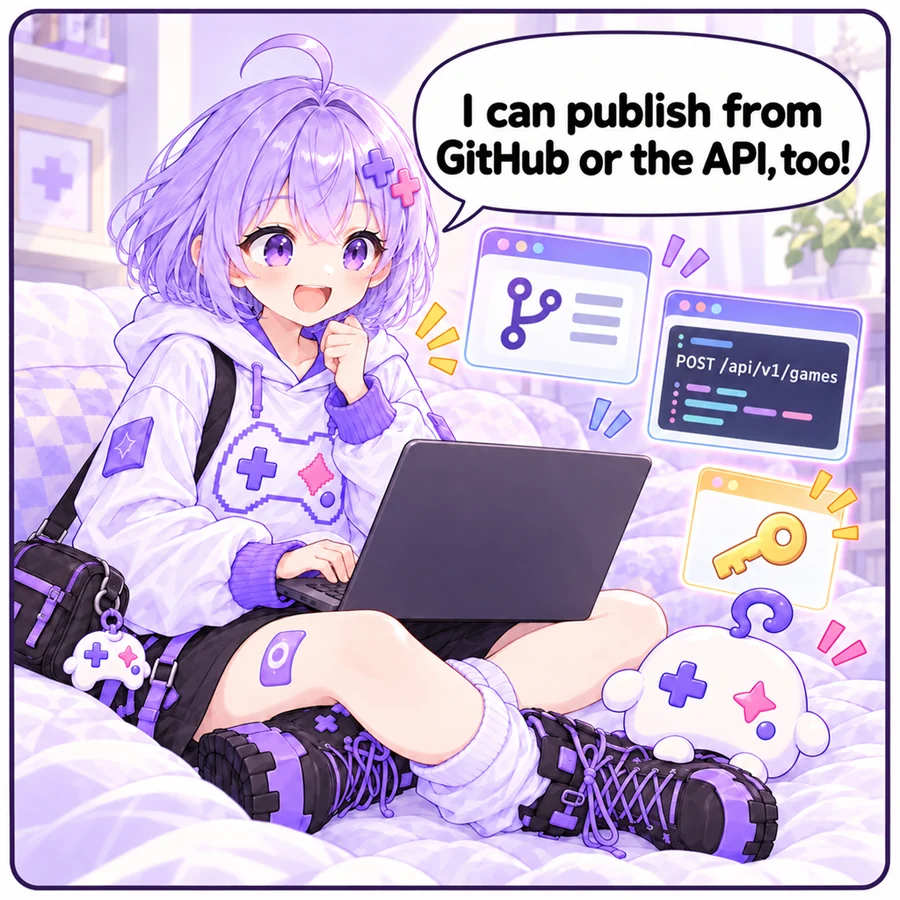
  4. Asobi: “I can publish from GitHub or the API, too!”

Paste or upload

Paste the HTML your AI wrote, or drop files, a folder or a ZIP. Check that it works, then publish.

Best for: first-timers

Publish

Ask your AI (MCP)

Connect Claude, ChatGPT, Codex and others, then just say “publish this game” to publish or update. Games with images and sounds work too.

Best for: people making games in AI apps

Learn more

From GitHub

Import a repository. Private repositories and automatic updates on push are supported.

Best for: people who keep their code on GitHub

Learn more

API

Publish and update from scripts or CI, and set thumbnails.

Best for: developers

Learn more
Asobiai

One idea is all it takes to become a game creator.

Official X @asobiai_games
  • Browse
  • Play mode
  • Jams
  • Publish
  • How to make
  • Make with AI
  • Prompt library
  • With Claude Code or Codex
  • Game SDK
  • Guide for AI
  • Publishing
  • Ways to publish
  • Ask your AI (MCP)
  • From GitHub
  • API
  • Pricing
  • Terms
  • Privacy
  • Legal notice (Japan)
Contact
日本語|English
© 2026 Asobiai